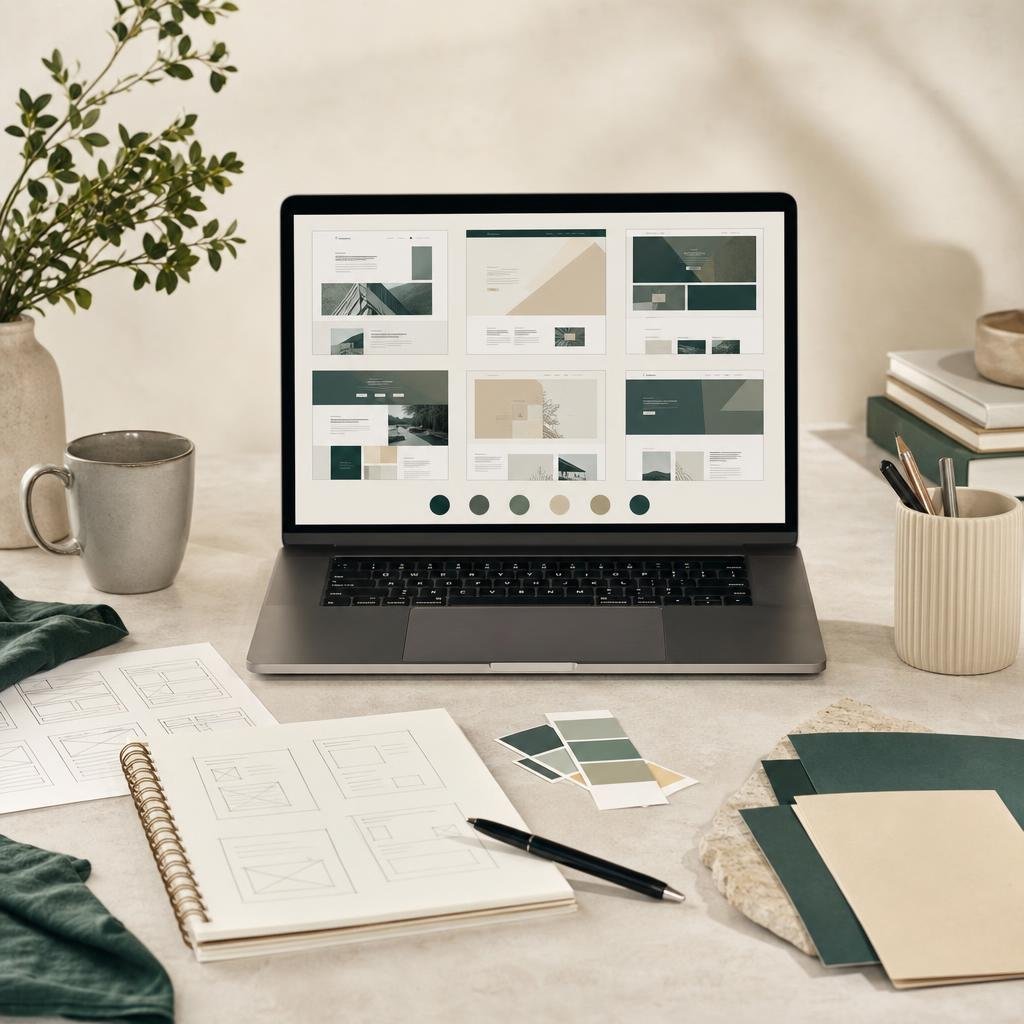
A WordPress theme shapes far more than a homepage. It influences how visitors move between pages, how content adapts to smaller screens, and which parts of the site you will need to customize. A useful choice starts with your site’s real requirements, then tests whether a theme can meet them without a pile of fragile workarounds.
Start with the site you need to run
Write down the pages and tasks your site must support before browsing designs. A small portfolio, a publication, and a WooCommerce shop have different needs. Note the content types you publish, the actions you expect visitors to take, the integrations you already depend on, and who will maintain the site. Separate essential requirements from attractive extras so a polished preview does not distract from a missing feature.
Evaluate the theme beyond its demo
Responsive structure and readability
Check navigation, headings, buttons, forms, and product cards at mobile and desktop widths. Read a full article, not just the hero: body text should remain comfortable to scan, and interactive controls need clear labels and usable focus states. A demo screenshot cannot tell you how every real page or long product title will behave.
Compatibility and maintenance
Compare stated WordPress, PHP, and plugin requirements with the versions in your environment. For a shop, confirm that the theme’s supported WooCommerce features cover your products and checkout. Look for a clear version history and test current files on staging. “Compatible” is specific to a tested combination; it is not a promise that every third-party plugin will work together.
Customization and performance
Decide which colors, logos, fonts, menus, and page sections you need to control. Preview several representative pages and notice how much layout depends on additional plugins. Test page weight and image behavior on your own staging site, since hosting, content, scripts, and caching all affect performance.
Use a repeatable comparison
- Map each must-have feature to a page or workflow where you can verify it.
- Review the product listing for requirements, included files, and current version details.
- Check accessibility basics such as keyboard navigation, contrast, and descriptive form labels.
- Try representative content, including long titles, missing images, tables, and mobile menus.
- Document what needs a plugin or custom development before making a decision.
Choose with a maintenance plan
The best fit is usually the theme that covers your needs clearly and leaves the fewest special cases—not necessarily the one with the longest feature list. Record your chosen versions, take a backup, and keep a staging environment for updates. If you are comparing options, browse current WordPress theme listings and the wider shop; use the live product page to confirm details before installing.
GPL92’s catalog includes products made by third-party developers. A store listing is about the software being offered; original developer services are separate and should be verified directly. If you need help finding information on a GPL92 listing, the contact page can direct store questions to the site team. For current access details, review the published membership plans rather than assuming that a particular product or service is included.